Shadow PC at a Glance: How the Cloud Gaming PC Works
By Magnus Ohle Published 3 min read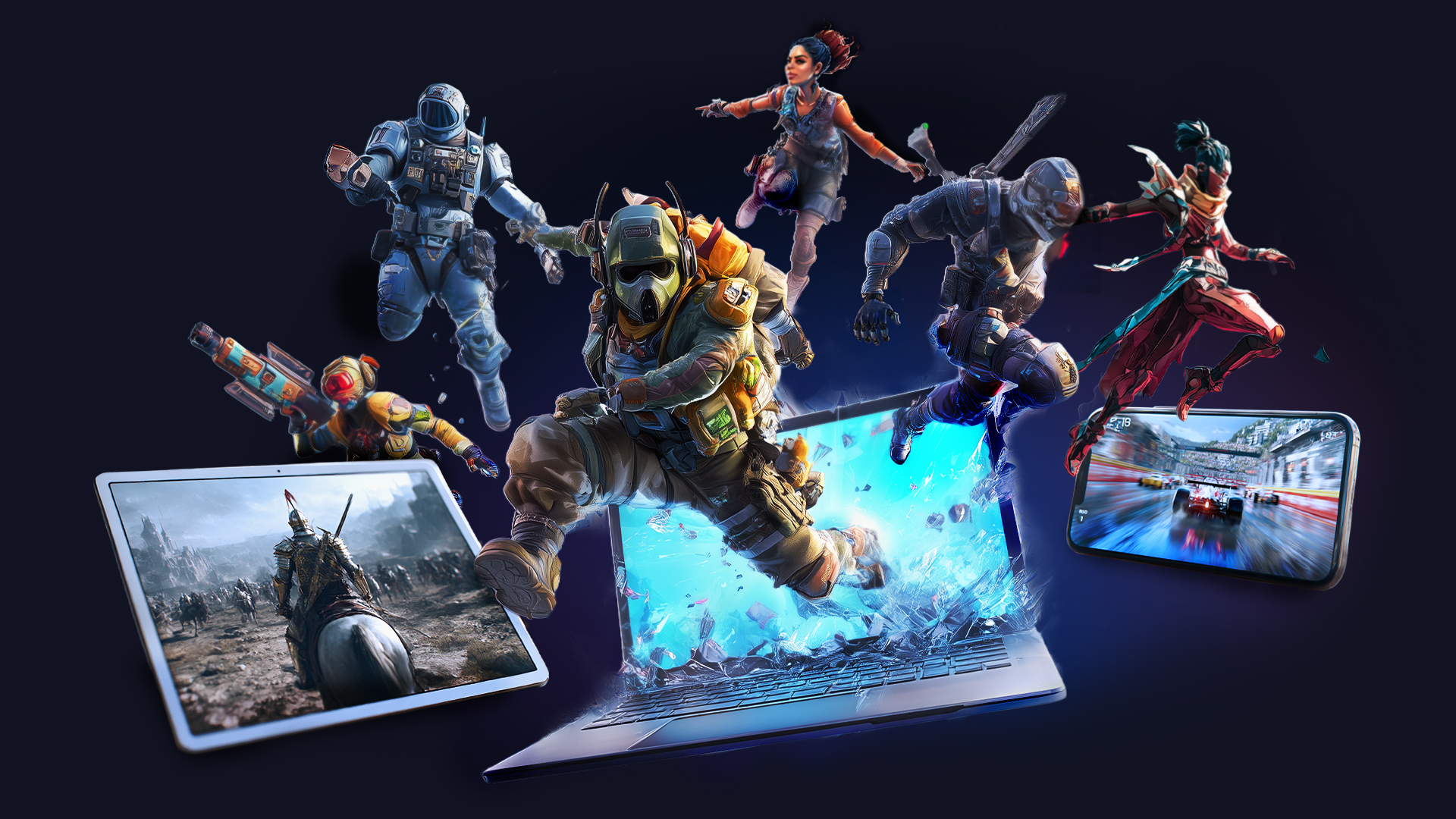
Shadow PC is not a traditional game streaming catalogue. Instead of a fixed library, you rent a complete Windows PC in the cloud and access it remotely. You install games and programmes yourself, for example via Steam, Epic Games Store or Battle.net.
What to expect here
What is Shadow PC?
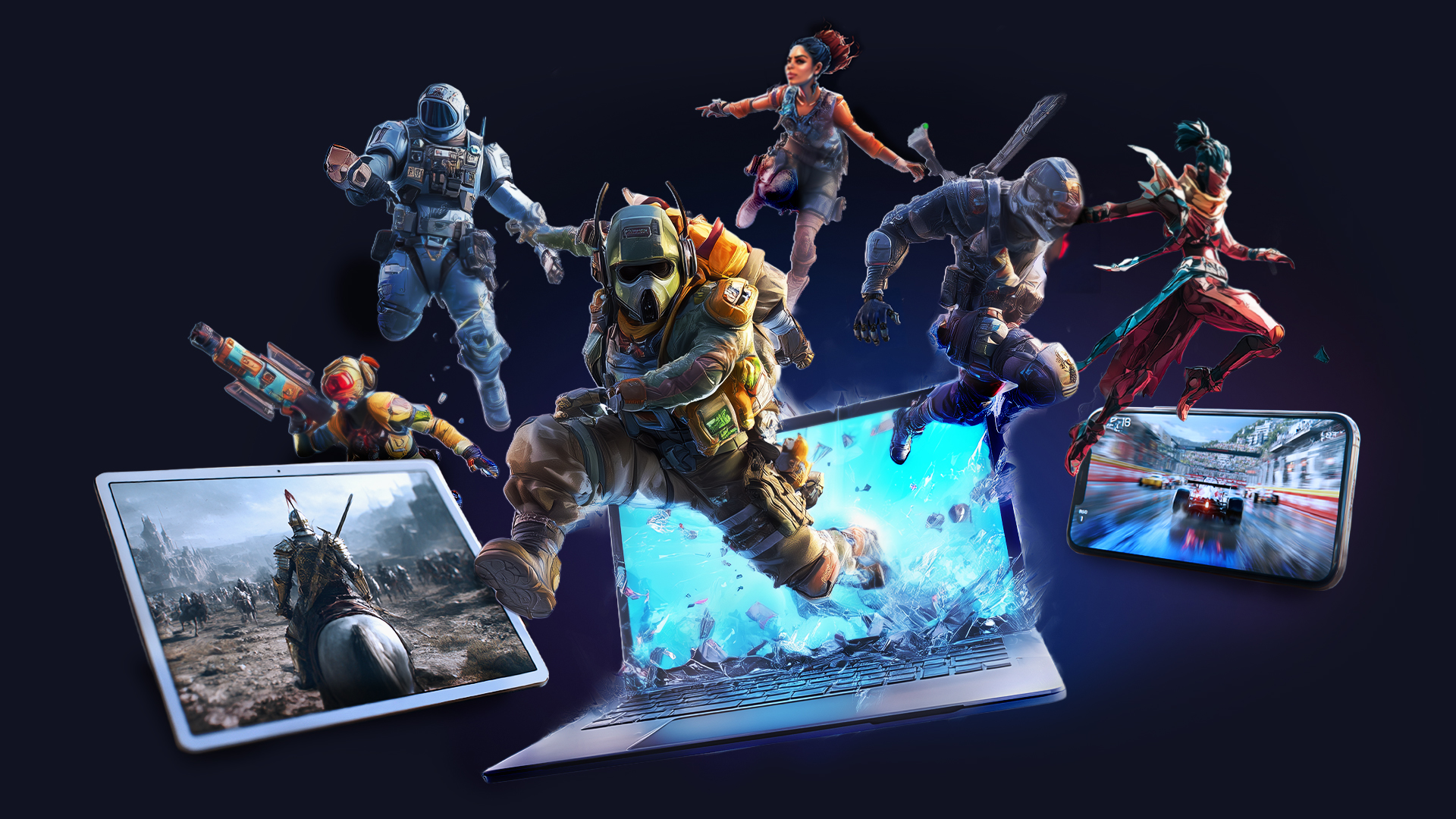
The service provides a remote Windows PC whose picture and inputs are streamed over the internet. This means that a less powerful laptop, a Mac, a tablet or another supported device can serve as access to a more capable Windows system.
The decisive difference from services with a fixed game catalogue is that you manage the cloud PC yourself. Your own launchers, mods and many Windows programmes can be installed, provided they are compatible with the virtual environment and the respective terms of use.
Which games work?
Shadow supports the popular PC stores and launchers. Nevertheless, not every game runs automatically. Some publishers, anti-cheat systems or DRM solutions block virtual machines or cloud environments. Before taking out a subscription, it is therefore worth checking the provider’s current compatibility overview, particularly if you only want to switch to Shadow for one specific game.
Which devices are supported?
Shadow offers apps for several desktop and mobile platforms as well as other supported devices. The actual Windows PC runs in the data centre; locally, mainly the video stream is displayed and inputs are transmitted. For controls to feel responsive, a stable connection, low latency and as little packet loss as possible matter more than sheer peak bandwidth.
Internet connection and home network
For regular use, Shadow recommends a stable broadband connection and, where possible, Ethernet or a good 5 GHz Wi-Fi network. Anyone streaming at a high resolution and high frame rate needs correspondingly more bandwidth. Bluetooth controllers, mice and keyboards work as they would with a local PC, depending on the client; special USB devices may require additional setup.
Performance depends on the chosen plan
Shadow offers several hardware tiers. CPU, graphics unit, memory and storage vary depending on the package, and the offering may change. For your decision, the currently guaranteed hardware of the desired package is therefore more important than an old plan name.
Who is Shadow PC for?
The approach suits users who want their own Windows PC in the cloud rather than just launching individual games from a streaming catalogue. You gain flexibility with launchers and software, but in return you are more dependent on network quality, server location, plan hardware and the compatibility of individual games.
If you mainly want to use Shadow for gaming, you should check three things before signing up: the hardware currently on offer, the connection to the nearest data centre and the compatibility of your most important games.
If you would like to compare Shadow with other approaches, you will find further providers and models compared in our cloud gaming overview.